Grant: The Open Source Identity & Access Management Platform
A couple of weeks ago we published Grant on GitHub at github.com/grant-js/grant. Documentation lives at docs.grantjs.org. This post is the first in a series about the platform—not a deep dive into protocols or database schemas, but the story behind it: the motivations, what I learned about how cybersecurity ideas become standards, and a concise look at what Grant is meant to do for developers and organizations.
Why Grant exists
The seed was personal and practical—Why I Decided to Focus on Security covers that path. Like many of us, I live in a world of MFA codes, password managers, and “sign in with…” buttons. That friction pushed me to look at how authentication actually works under the hood—TOTP, WebAuthn, OAuth 2.0, OpenID Connect—and at the same time, how authorization is supposed to work when you are not just logging a person in, but deciding what they may do inside a product, across teams, customers, and environments.
Commercial identity products are mature, but the space I cared about sat in a different gap: open, self-hosted access control that treats multi-tenancy, least privilege, and developer experience as first-class concerns—not an afterthought behind a proprietary dashboard. Grant is my answer to that: an open-source, multi-tenant RBAC platform you can run yourself, integrate with familiar stacks, and extend without vendor lock-in.
None of that is novel as a slogan. What made the journey meaningful was having to align implementation choices with standards that were not written for hobby projects—they were written so that organizations could agree on what “secure enough” means.
Standards and reading the map
Building Grant meant going beyond “OAuth and JWTs on a slide.” I kept returning to NIST—the National Institute of Standards and Technology, a U.S. agency that publishes widely used cybersecurity and identity guidance (notably SP 800-63, Digital Identity Guidelines). I am not claiming certification; I am saying that implementing MFA, verification, and session behavior made those documents feel like a shared vocabulary for why controls exist, not just policy text.
On the authorization side, the same idea applies: formal RBAC work (including what NIST helped shape and standards such as ANSI INCITS 359) gives a stable model—users, roles, permissions—so products and auditors can mean the same thing. I wrote about RBAC foundations earlier; Grant is where that model meets organizations, projects, and APIs in a running system.
What we built (a high-level tour)
Grant is documented on Grant's Docs Site. Here is what the platform includes, in plain language.
Multi-tenancy and RBAC
- Organizations and projects — Isolated scopes for customer data; resources, roles, and keys live inside projects.
- Permissions and resources — Action-based permissions on resources you define (for example
document:create,document:read); optional permission conditions for finer rules. - Groups and roles — Bundle permissions into groups, assign groups to roles, assign roles to project users.
- Tags — Label and organize project entities where your model needs metadata.
Identity and sessions
- Sign-in methods — Email and password, OAuth providers (e.g. GitHub), with email verification and password policies as documented in security.
- MFA — Set up TOTP and recovery codes; MFA challenge on sign-in when enabled.
- Sessions — JWT-based sessions with device-aware behavior; users can review and revoke sessions from security settings.
- API keys — User-scoped and project-level keys, with token exchange for calling your APIs (API keys).
Apps that use Grant
- Project Apps — OAuth clients for your own apps: redirect URIs, scopes, default sign-up role, and Project OAuth flows (integration guide).
- Account workspaces — Switch between personal and organization accounts without losing context.
Developer experience
- TypeScript-first — GraphQL API with generated types; REST where you need it (API reference).
- SDKs —
@grantjs/servermiddleware (Express, Fastify, NestJS, Next.js, and more) and@grantjs/clientfor React and permission-aware UI. - CLI —
@grantjs/clifor setup, auth, and type generation.
Operations, privacy, and observability
- Self-hosting — Docker Compose, Kubernetes (Helm), your infrastructure and data (self-hosting).
- Observability — Structured logging, metrics, and tracing (overview).
- Privacy and compliance-oriented features — Account data export, deletion, retention configuration, and audit logging to support “who did what” narratives.
Internationalization — Built-in i18n for the product UI and translated API errors (i18n).
You can try a hosted demo at demo.grantjs.org with short data retention, or follow the quick start to run it locally.
From sign-up to a project app (a visual walkthrough)
The Integration Guide runs the same path with Run buttons and captured IDs. Below is the same story in screenshots—onboarding and verification, MFA, then project setup (create project, resource, permissions, groups, roles, tags, users, API key), and finally a Project App with OAuth through to an authenticated session.
Sign up — Create a new account.
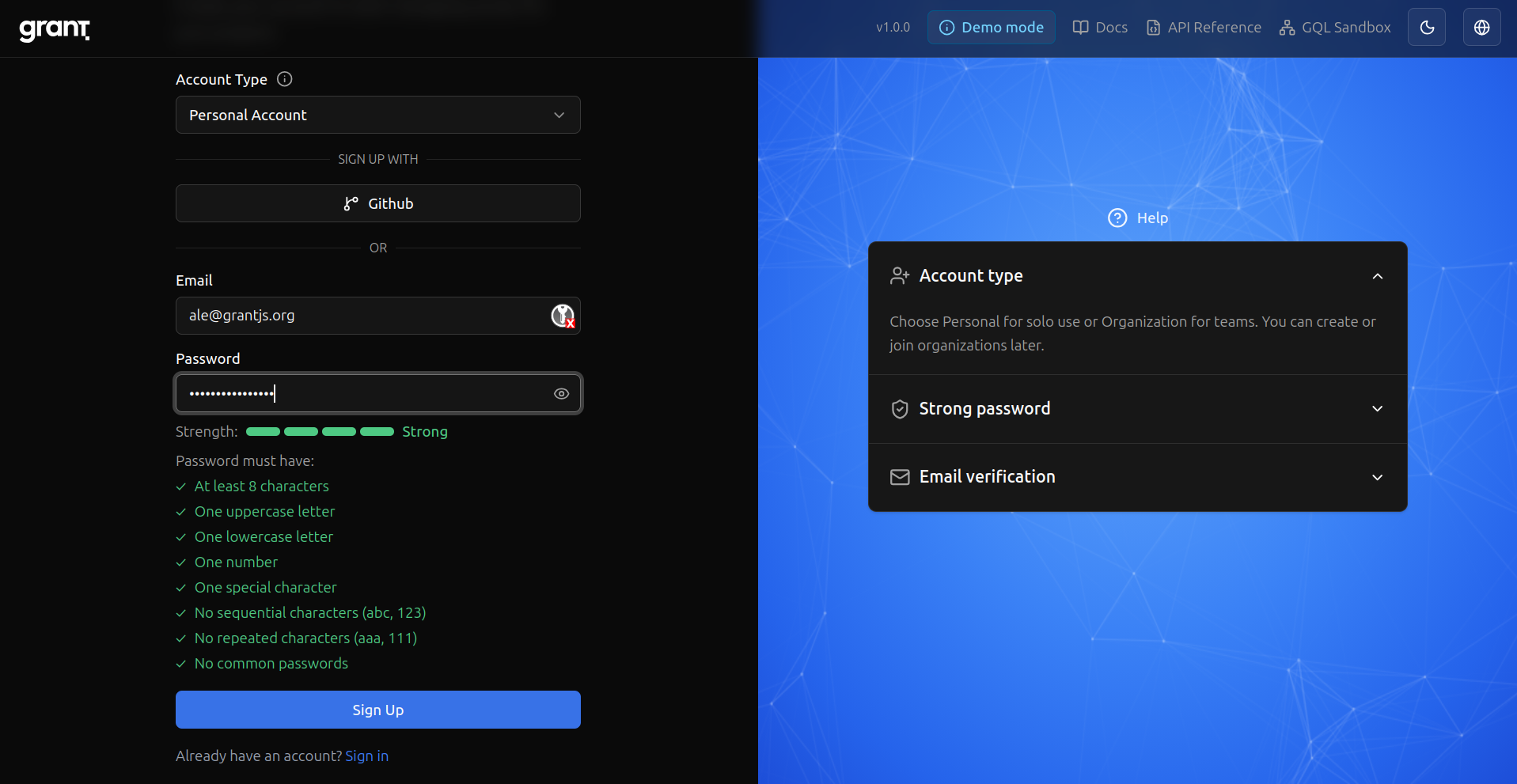
Email verification — Grant asks you to confirm your address.
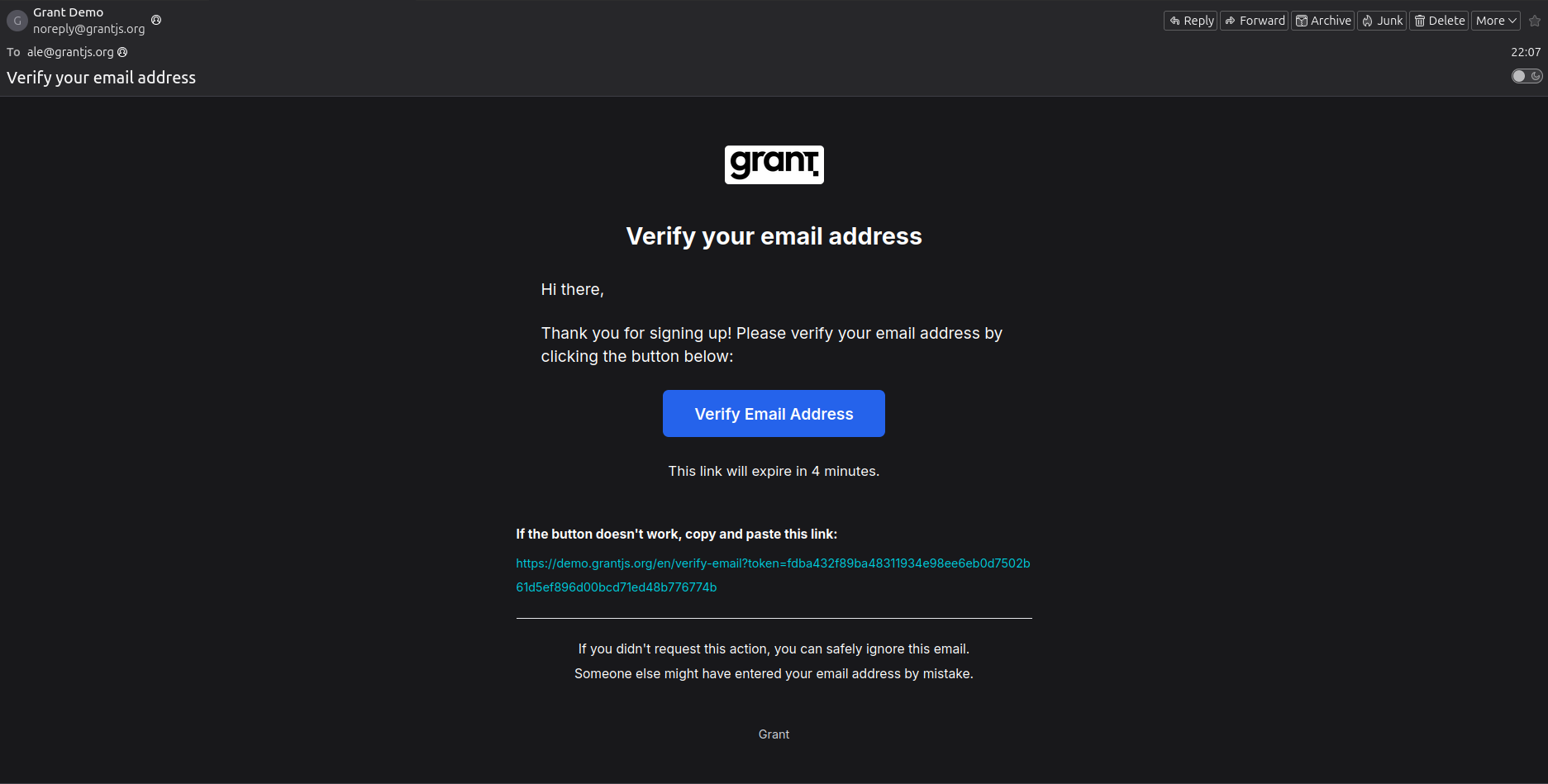
Verification email — The message you receive to complete verification.
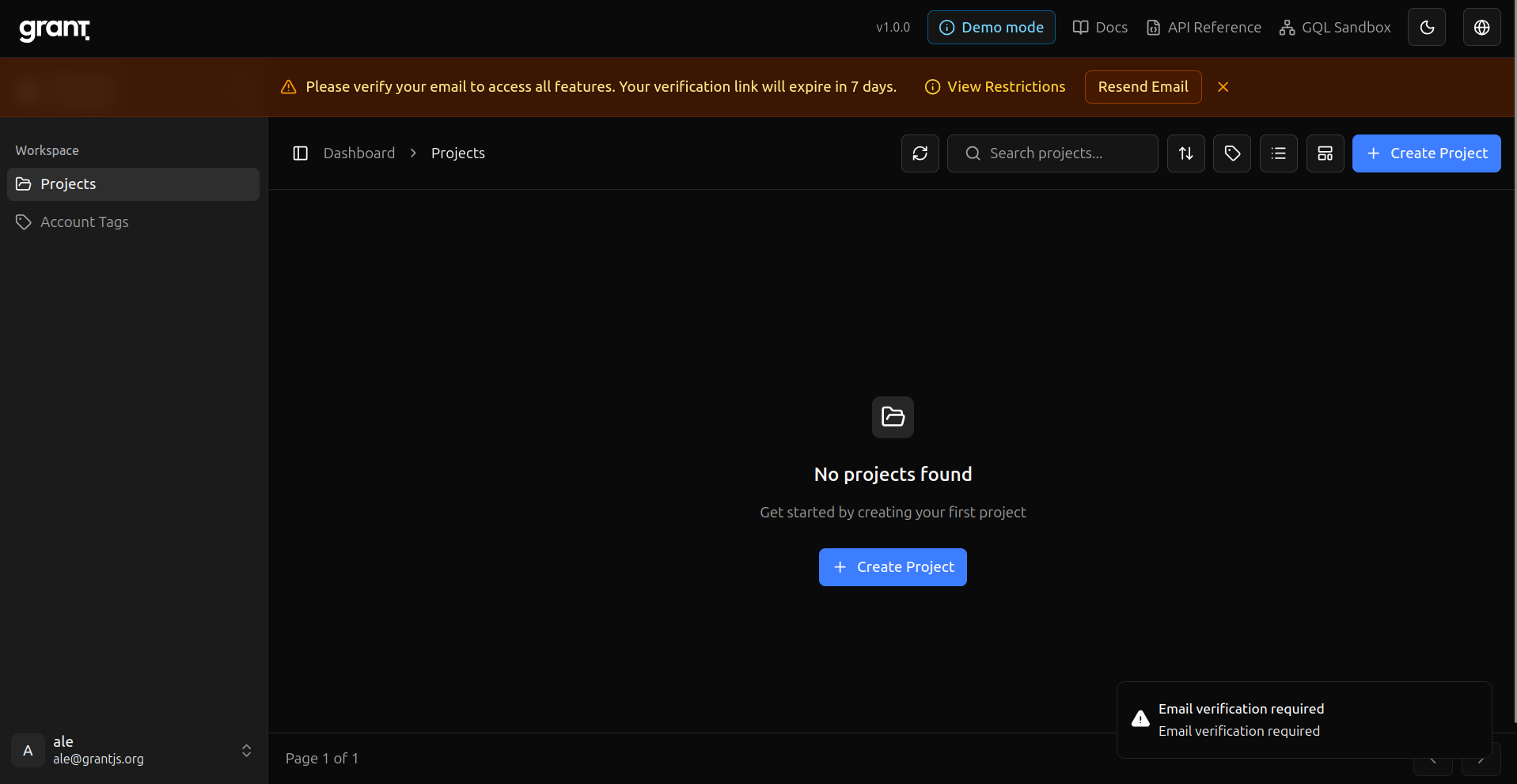
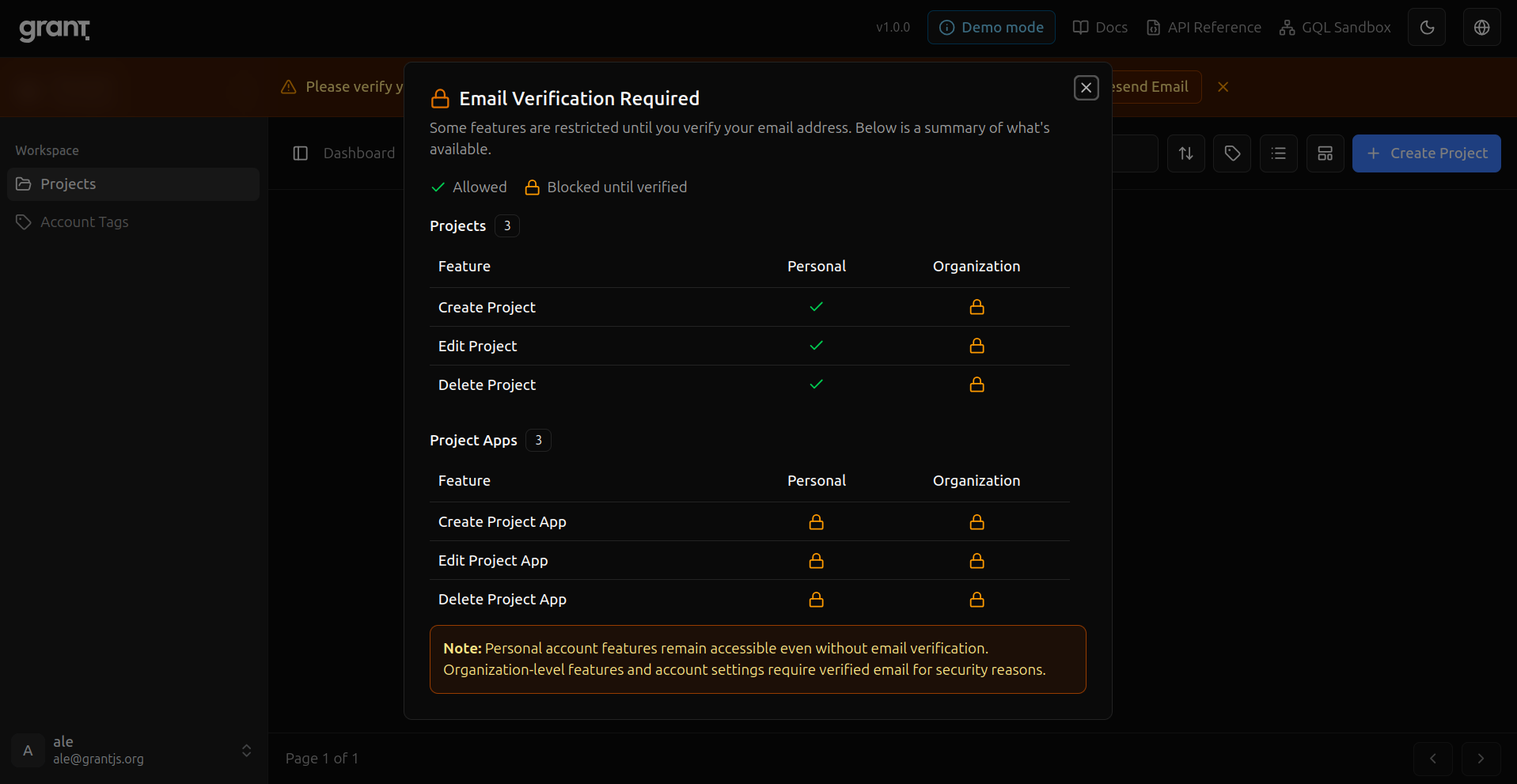
Before verification — What stays restricted until your email is verified.
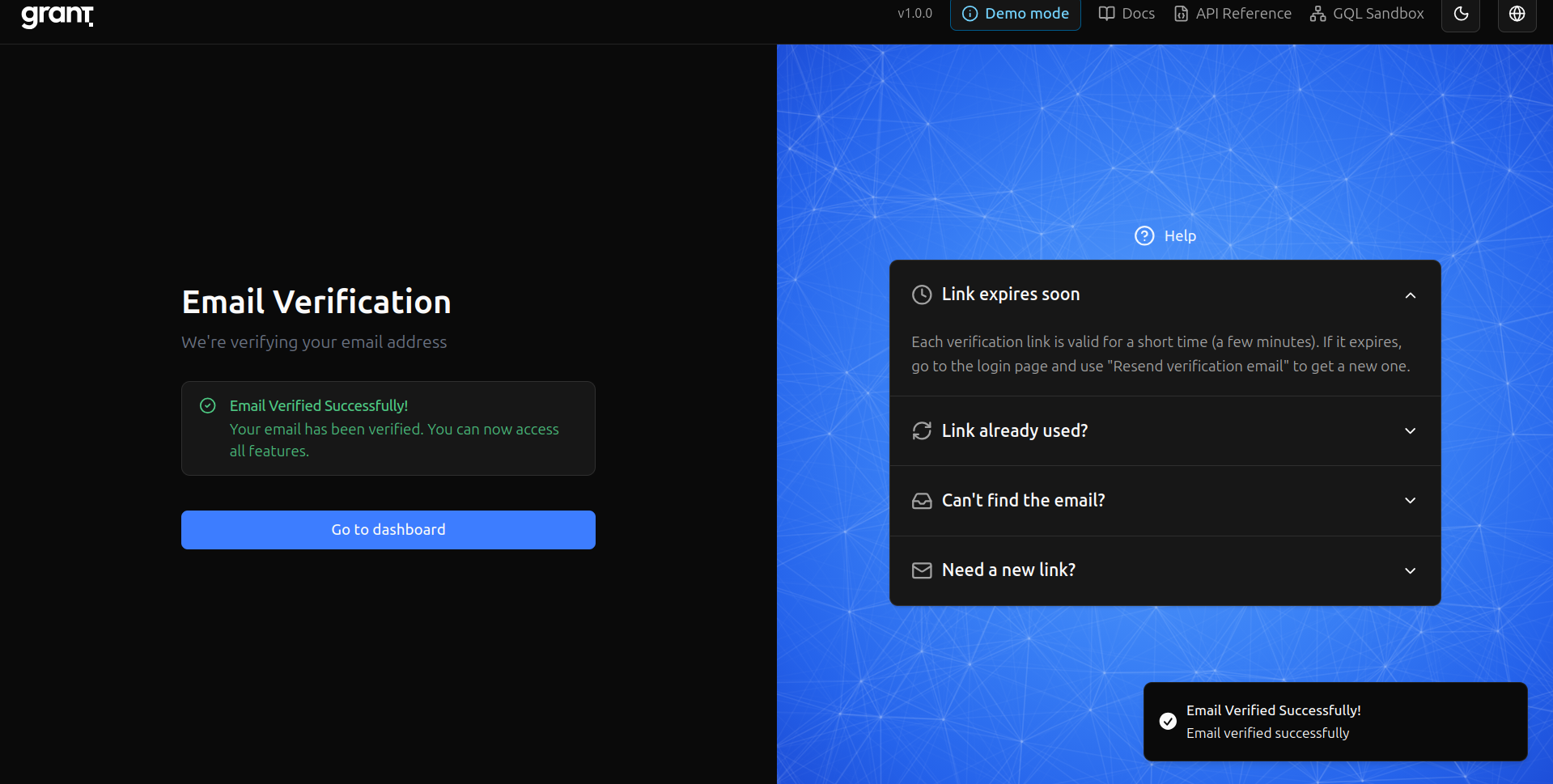
Email confirmed — Verification succeeded.
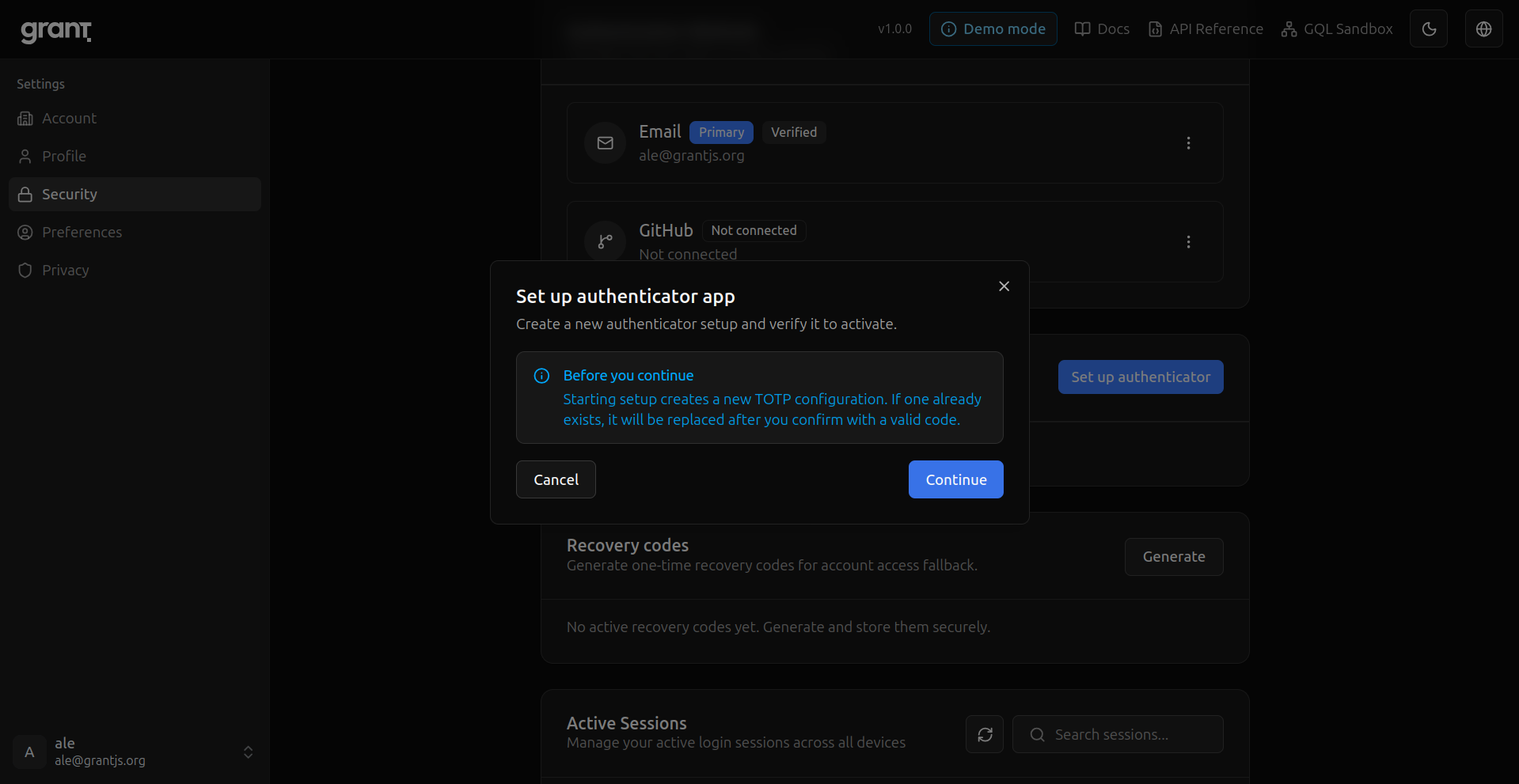
MFA setup — Start adding a second factor.
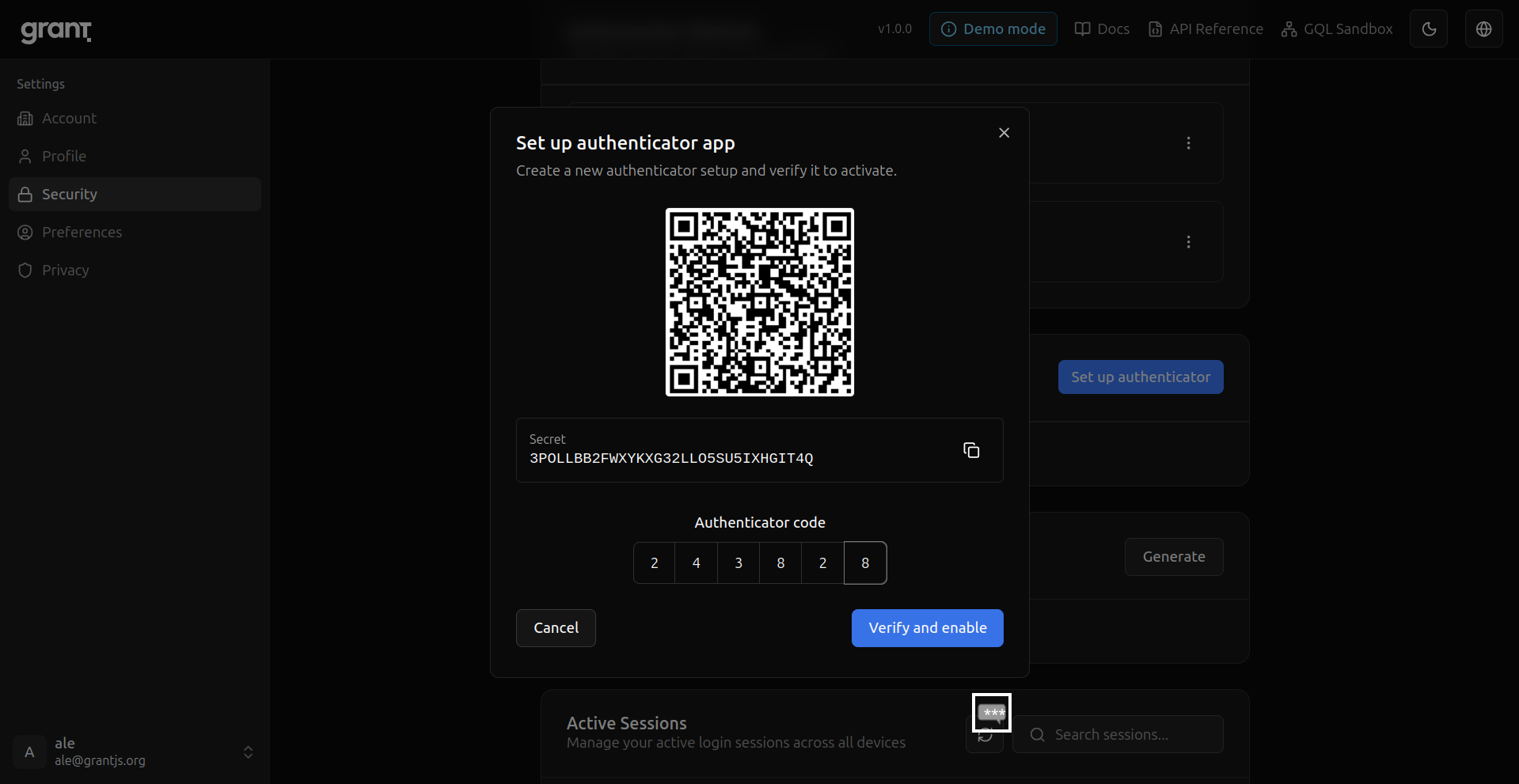
Authenticator QR — Scan the code with your app.
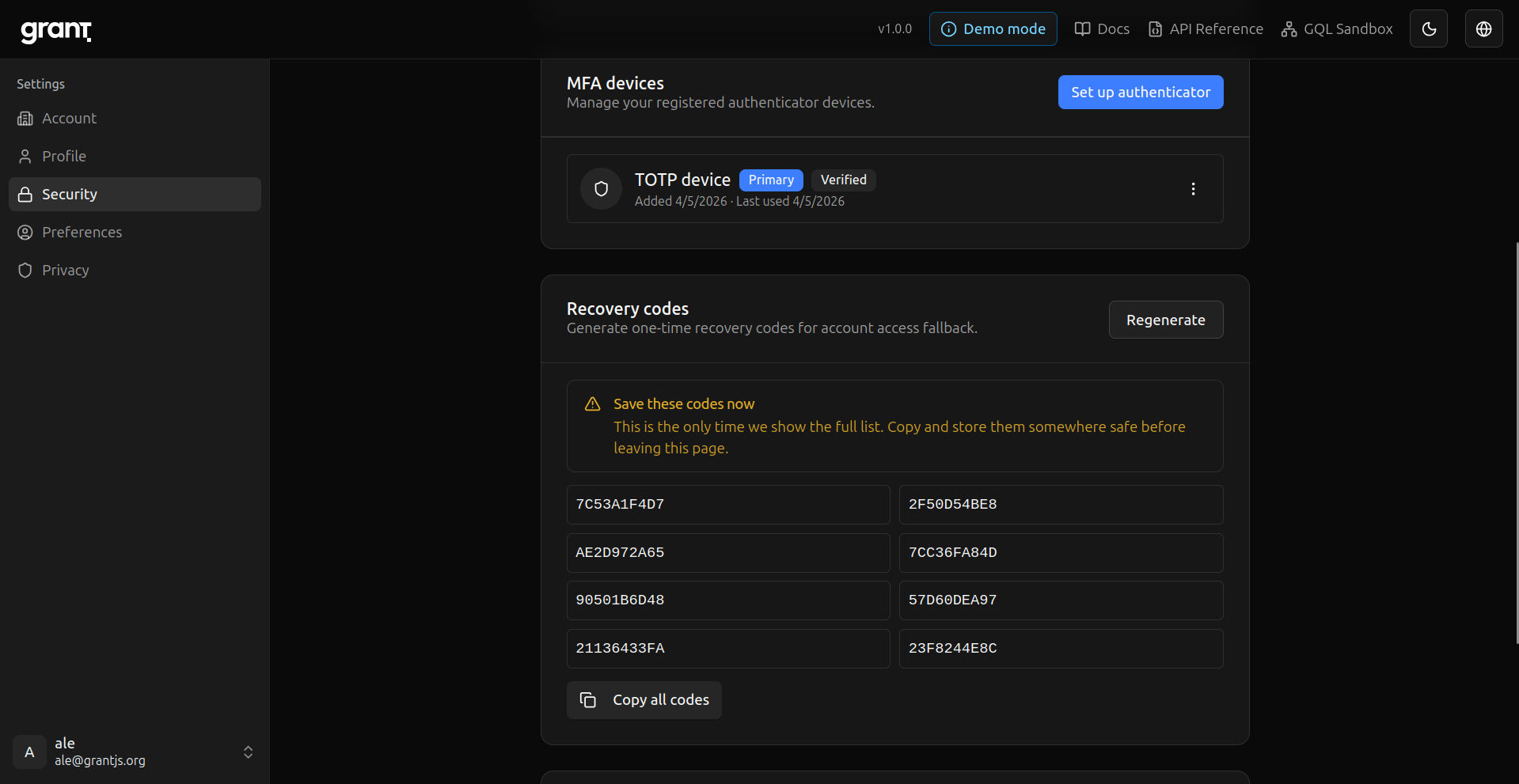
Recovery codes — Save one-time backup codes in a safe place.
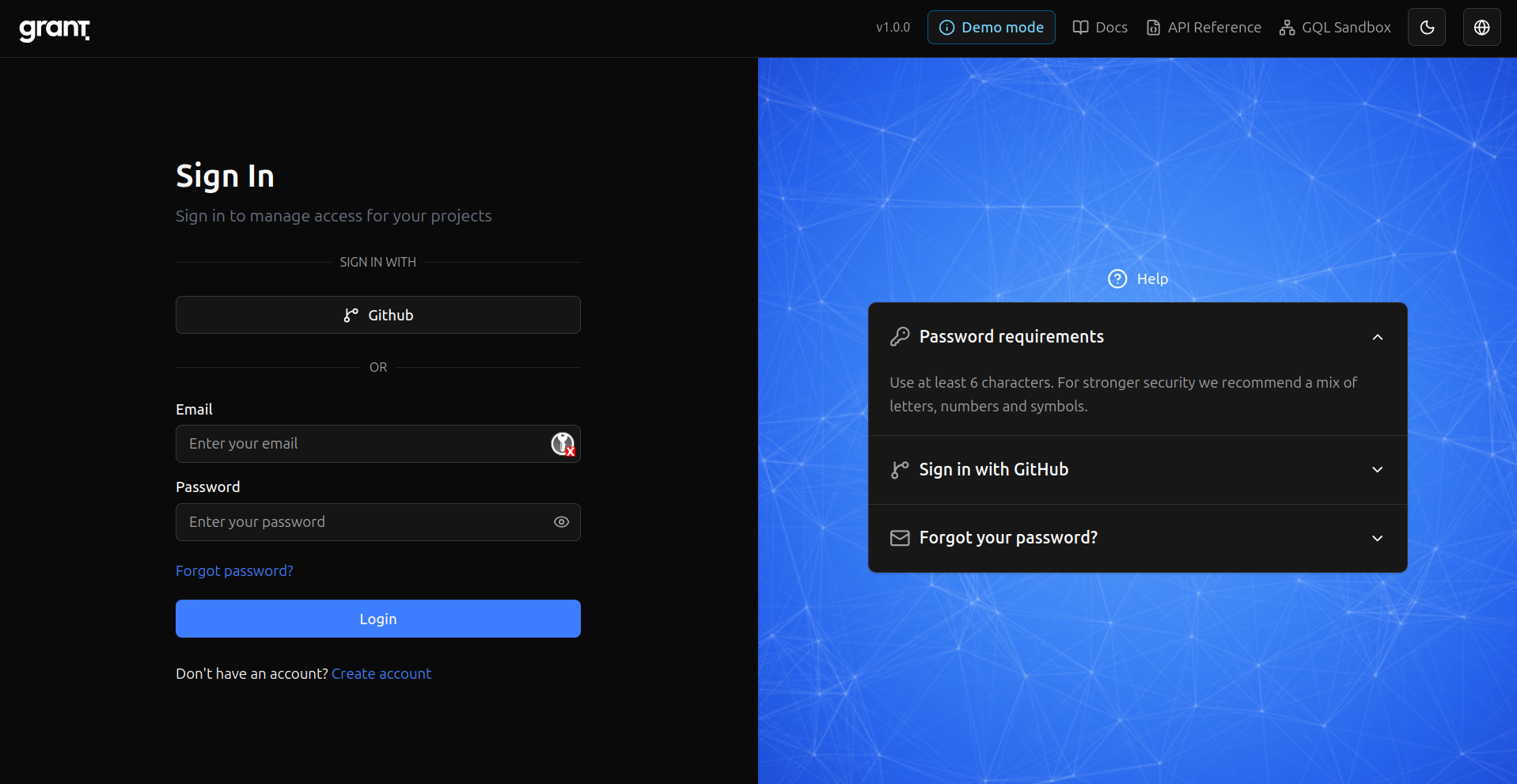
Sign in — Return with email and password.
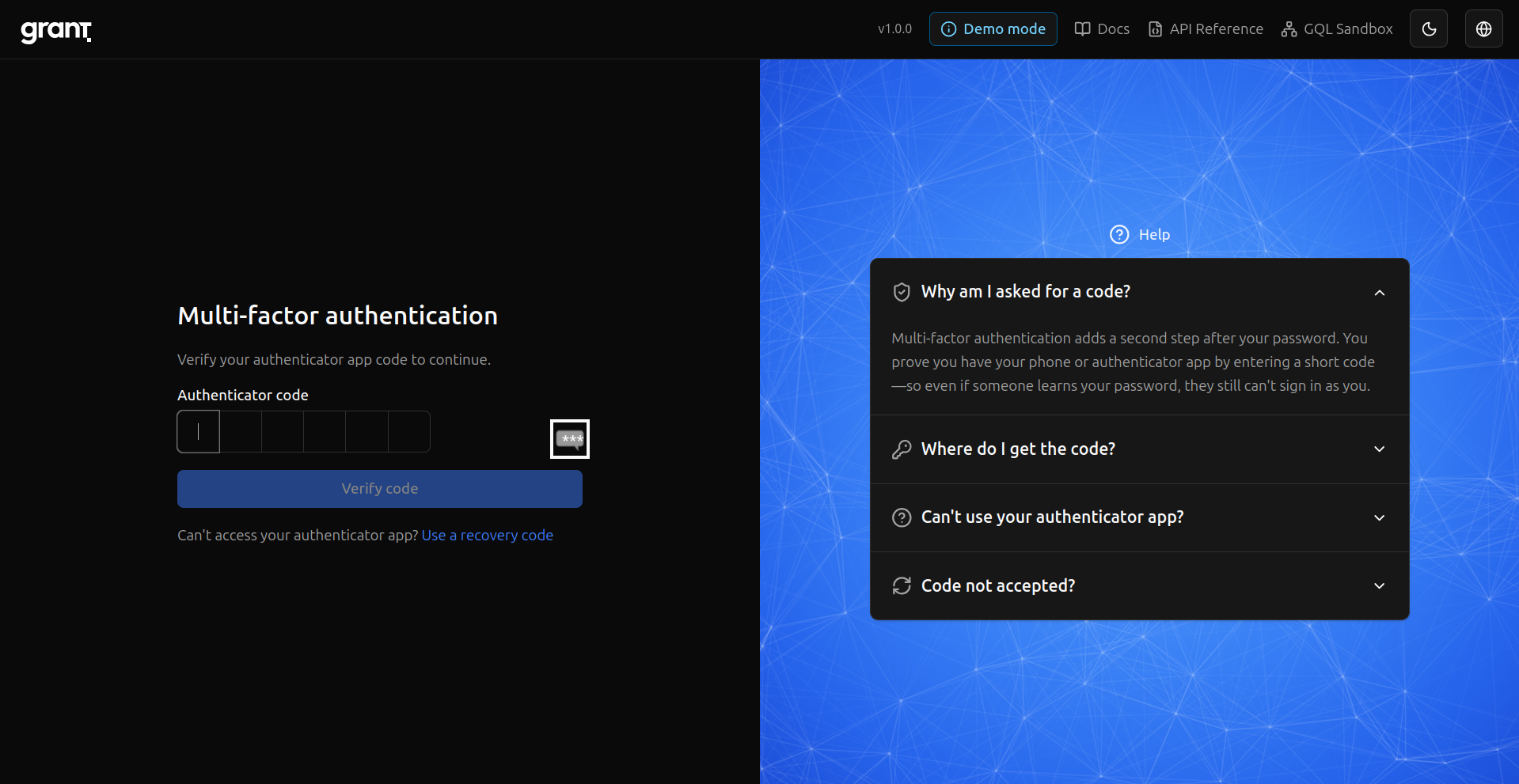
MFA at sign-in — Second step after password.
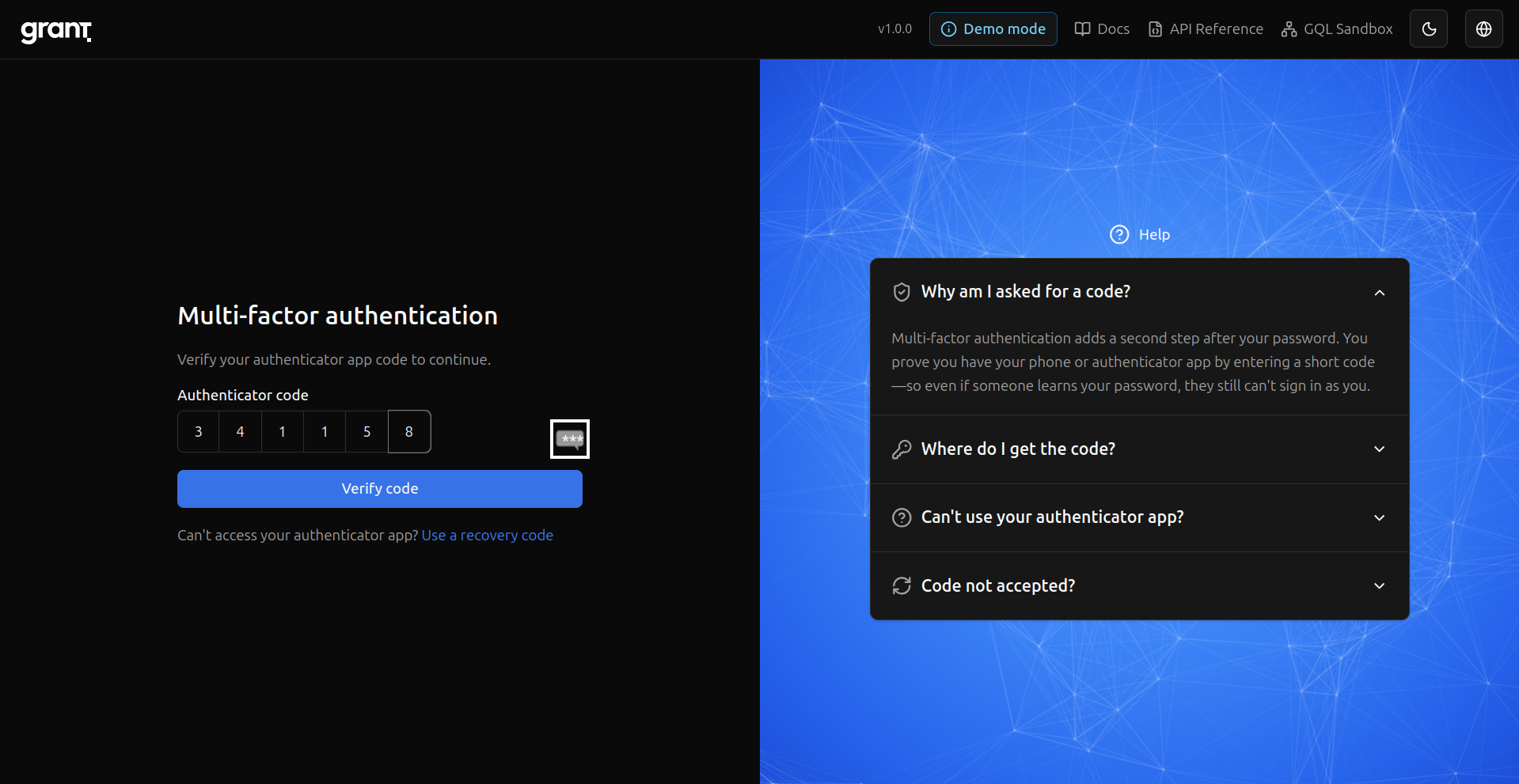
Enter the code — Complete MFA with your authenticator.
Security settings — Review sessions and security options.
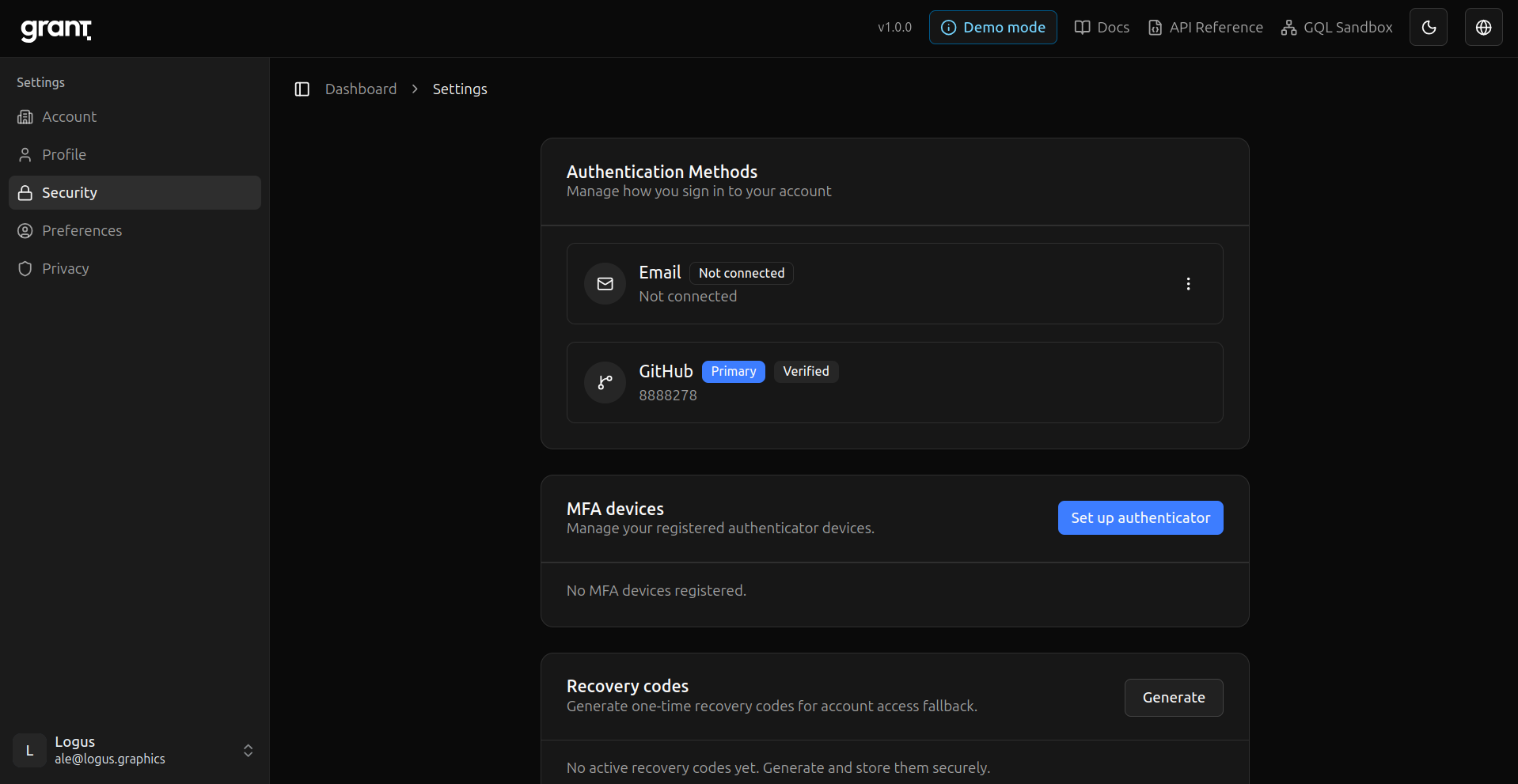
Preferences — Locale and other account preferences.
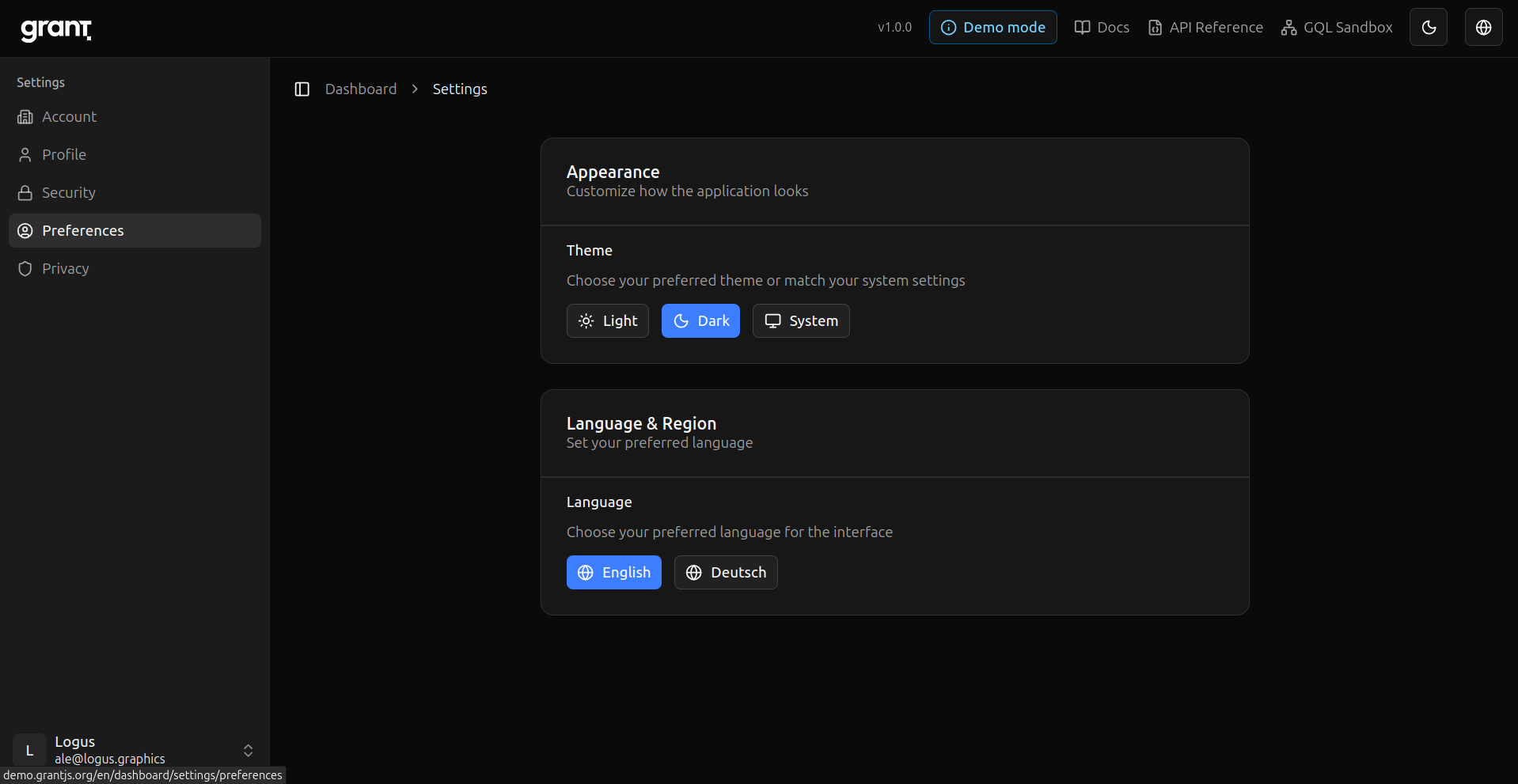
Create a project — Add an isolated project (Integration Guide step 2).
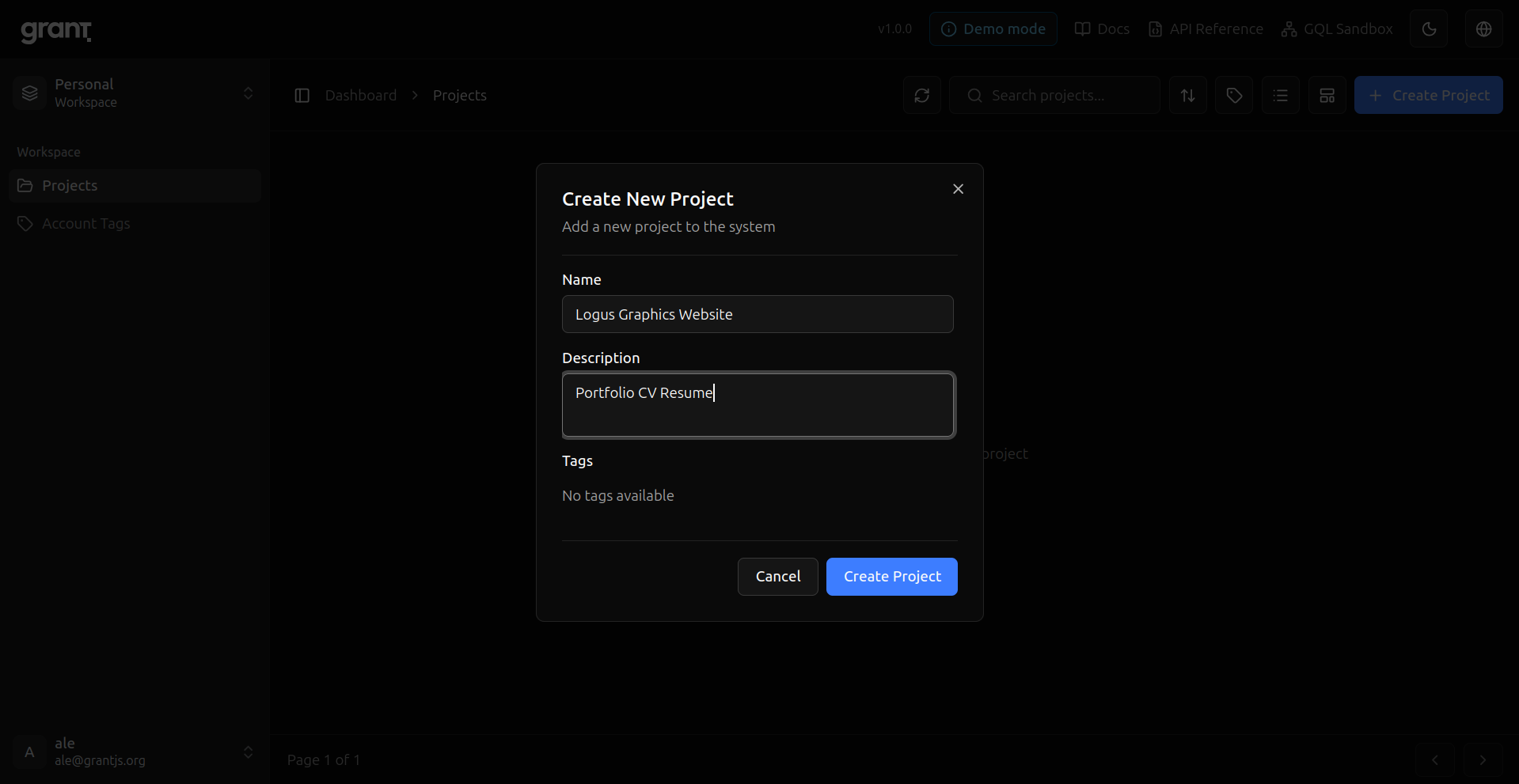
Project ready — New project created; next you attach resources and RBAC.
Create a resource — Define what your app protects (here, a Document with actions).
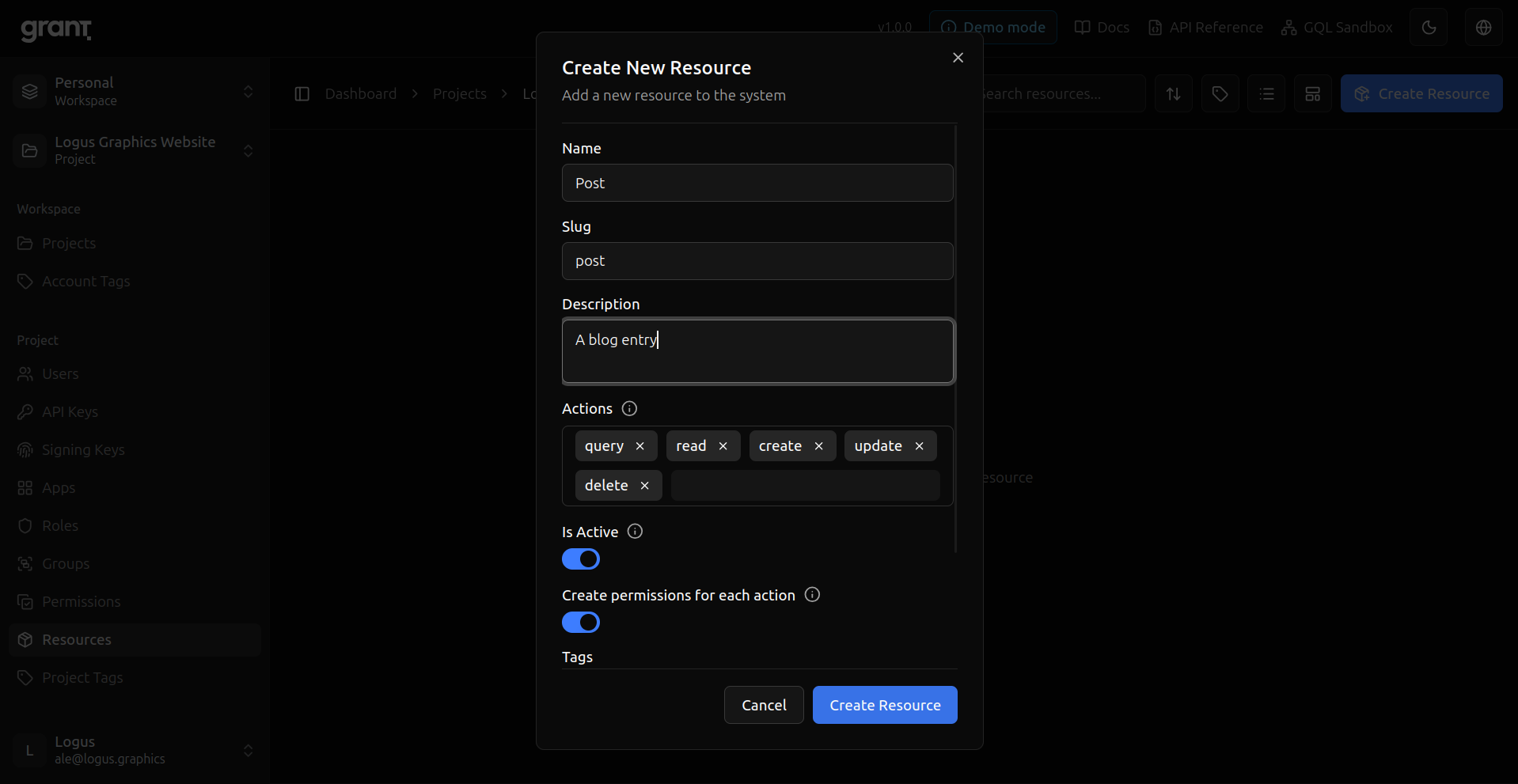
Permissions — Project permissions derived from the resource.
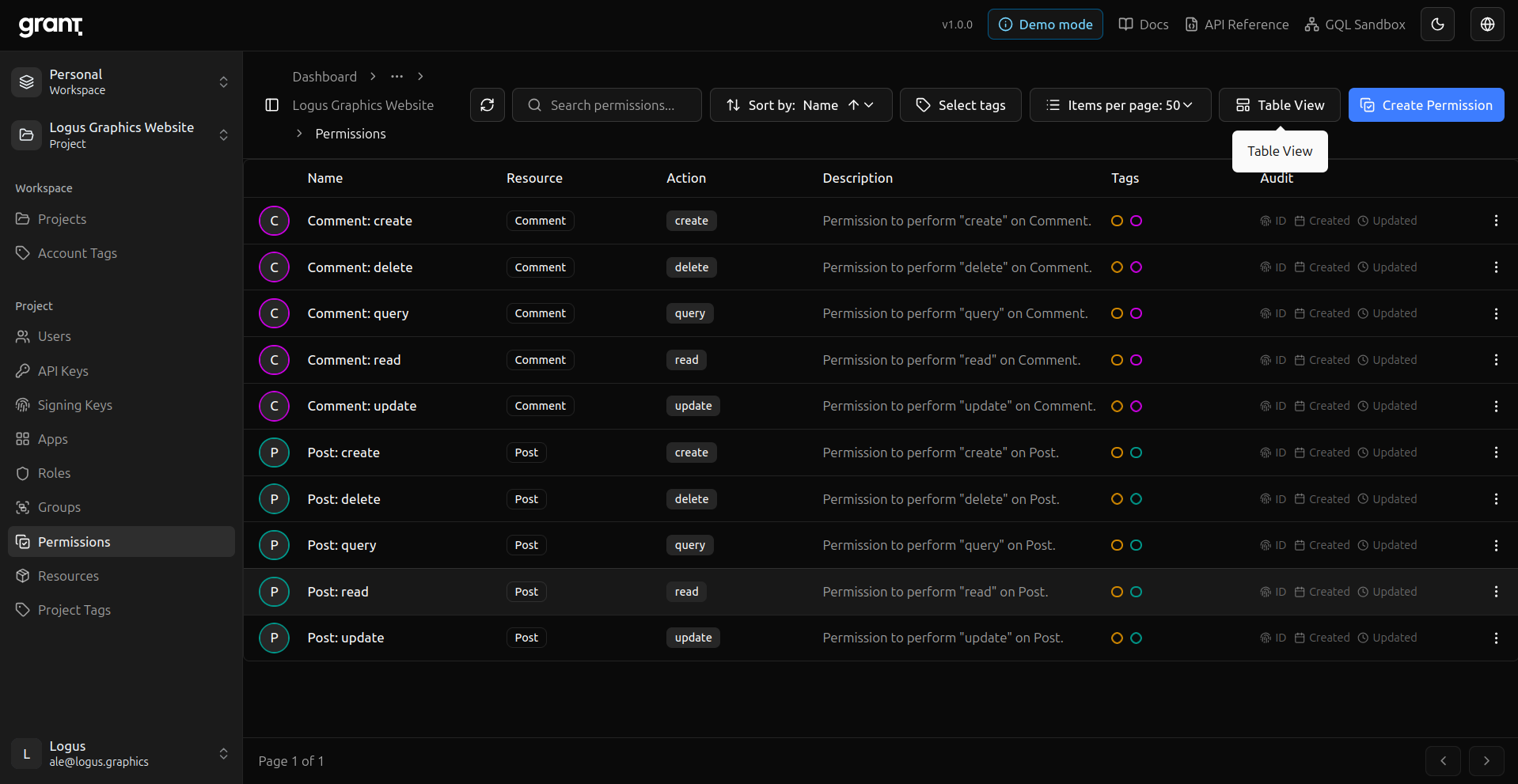
Permission cards — Same model, card layout.
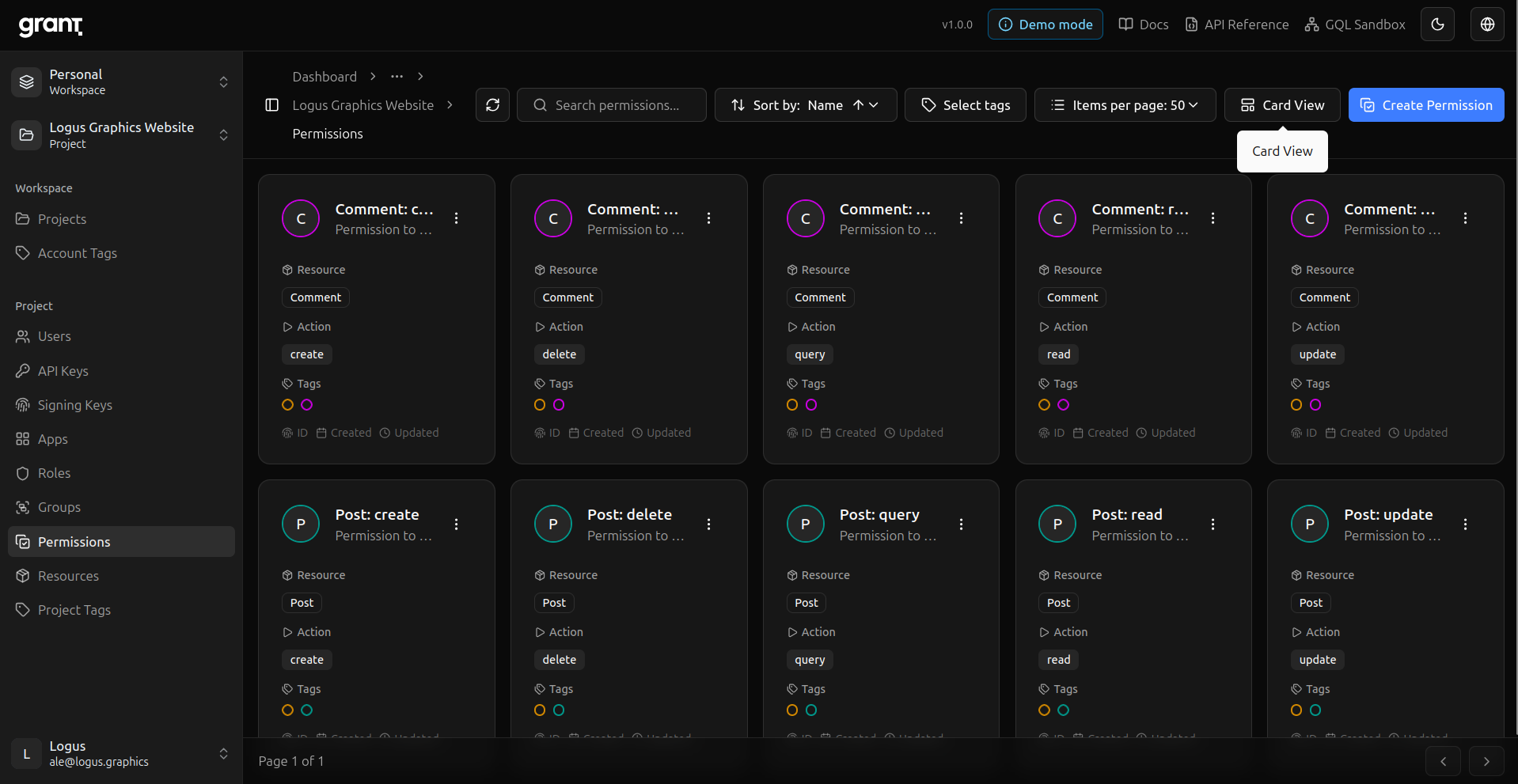
Groups — Bundle permissions (e.g. full Document access).
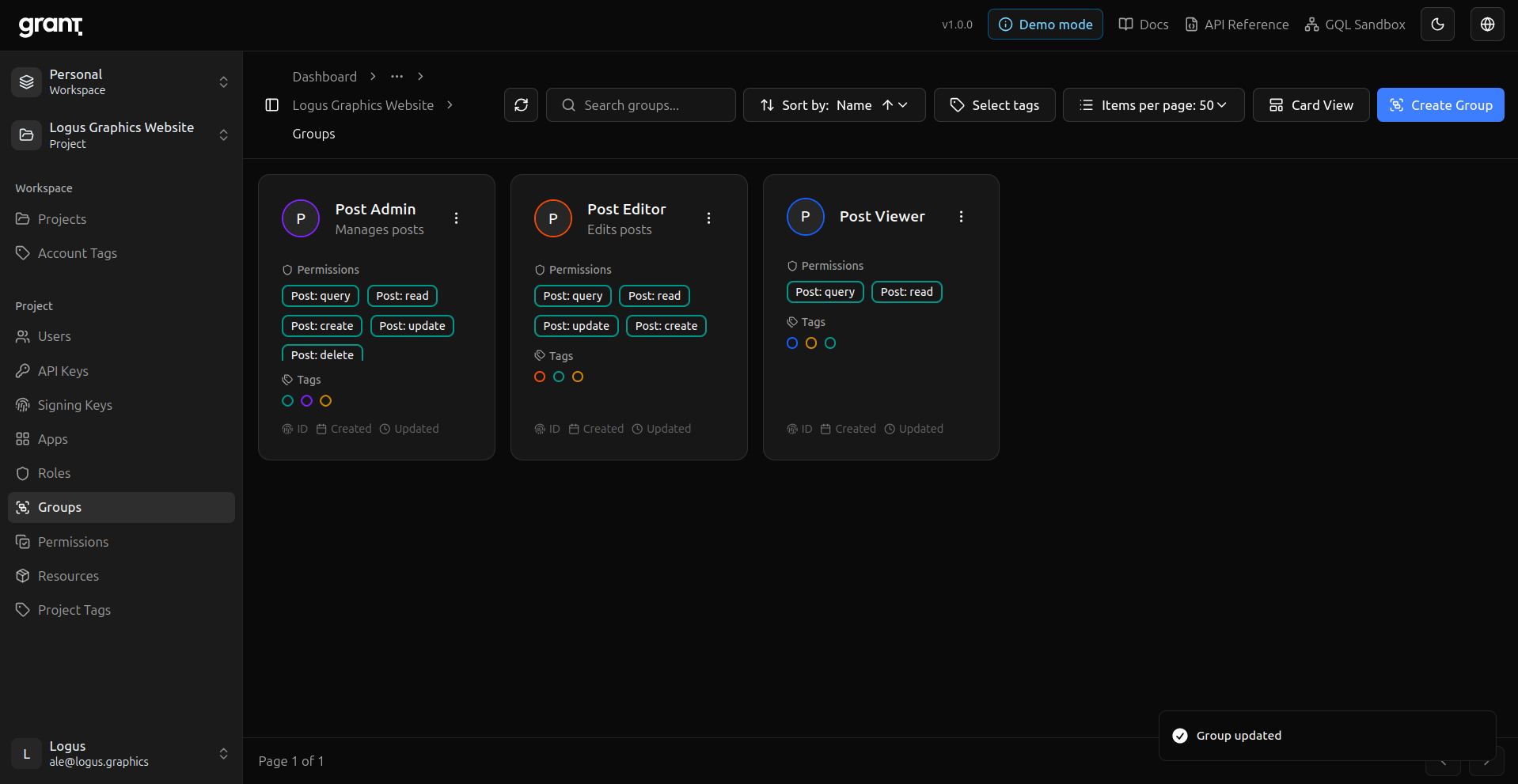
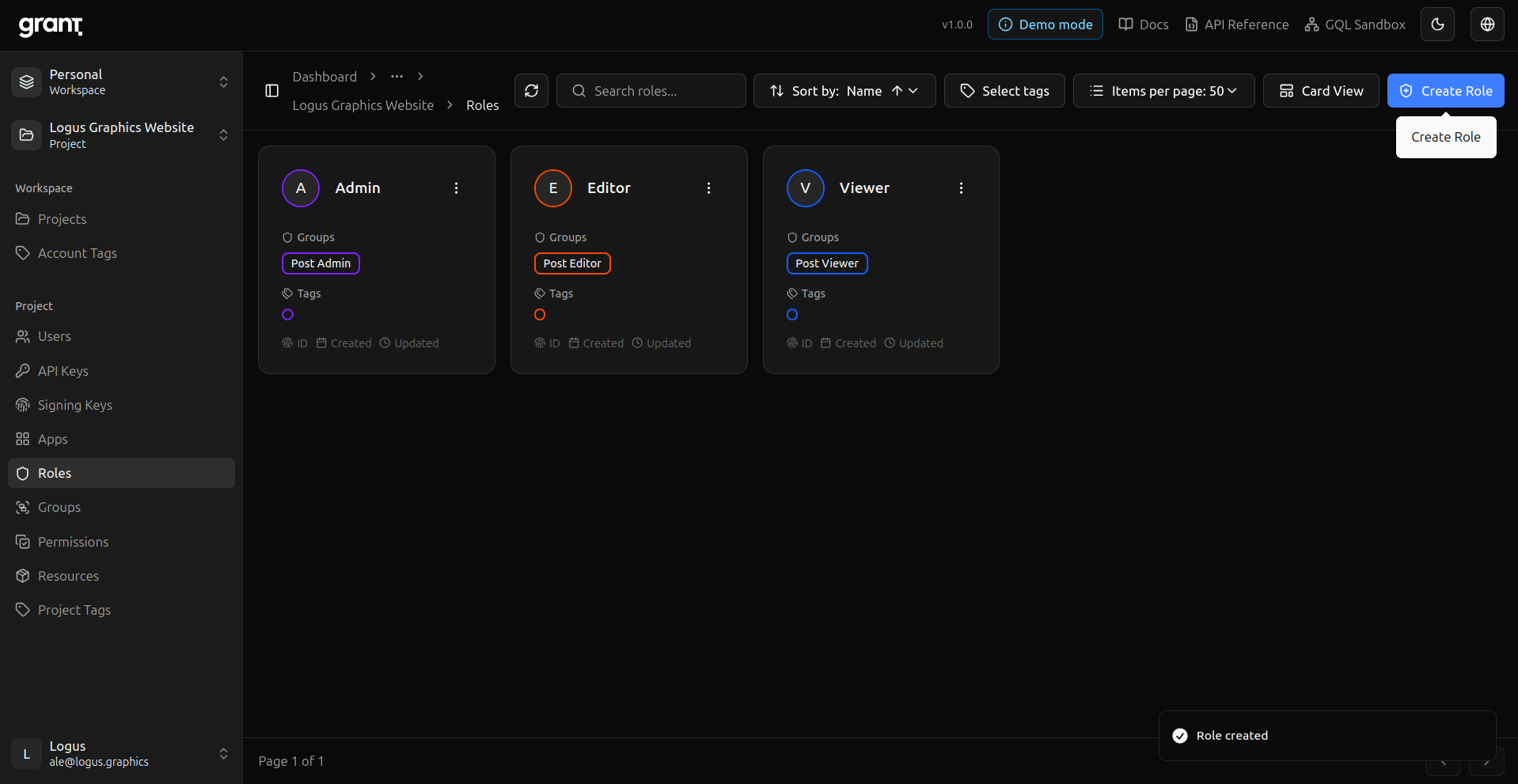
Roles — Attach groups to roles for assignment.
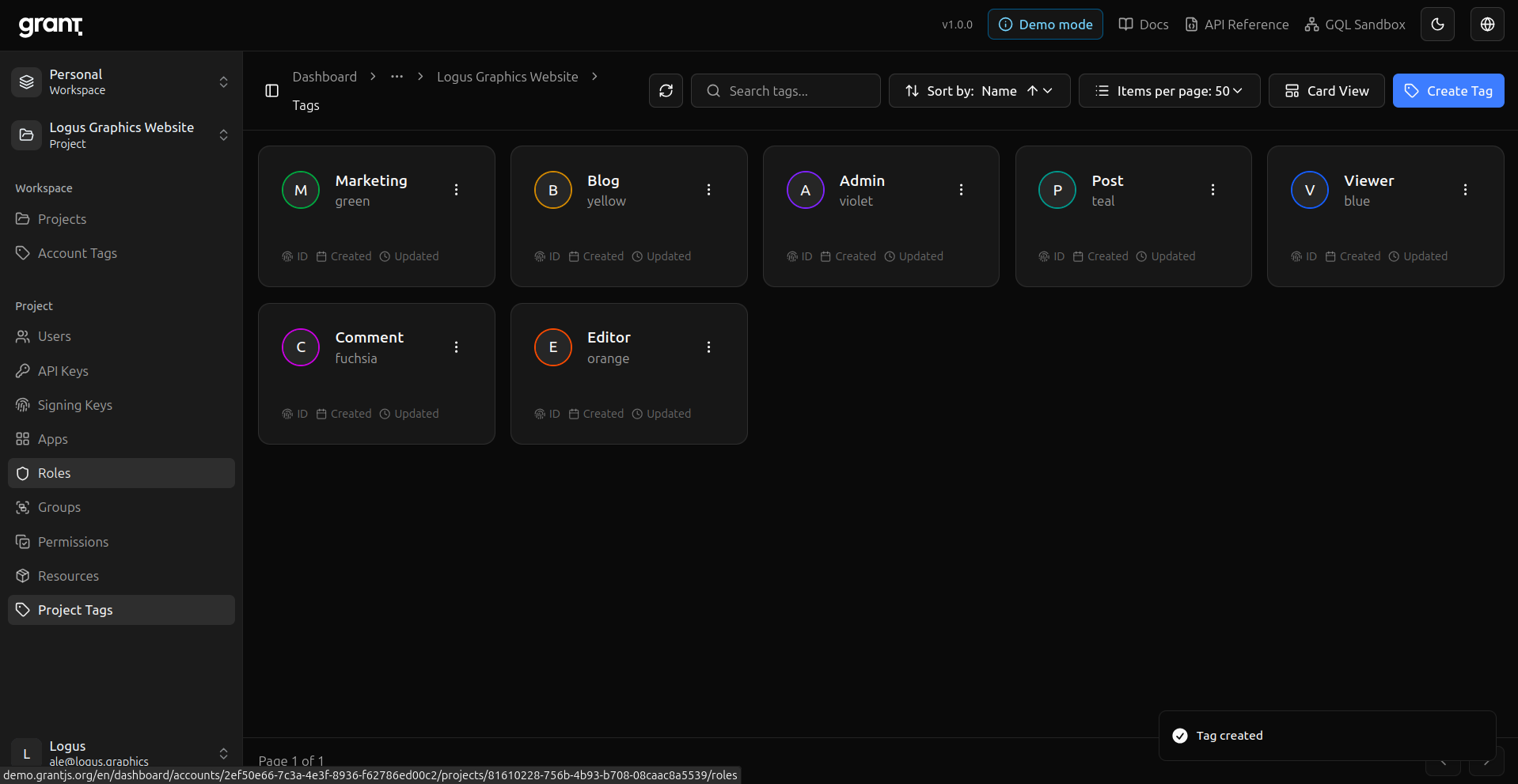
Tags — Organize project metadata with tags.
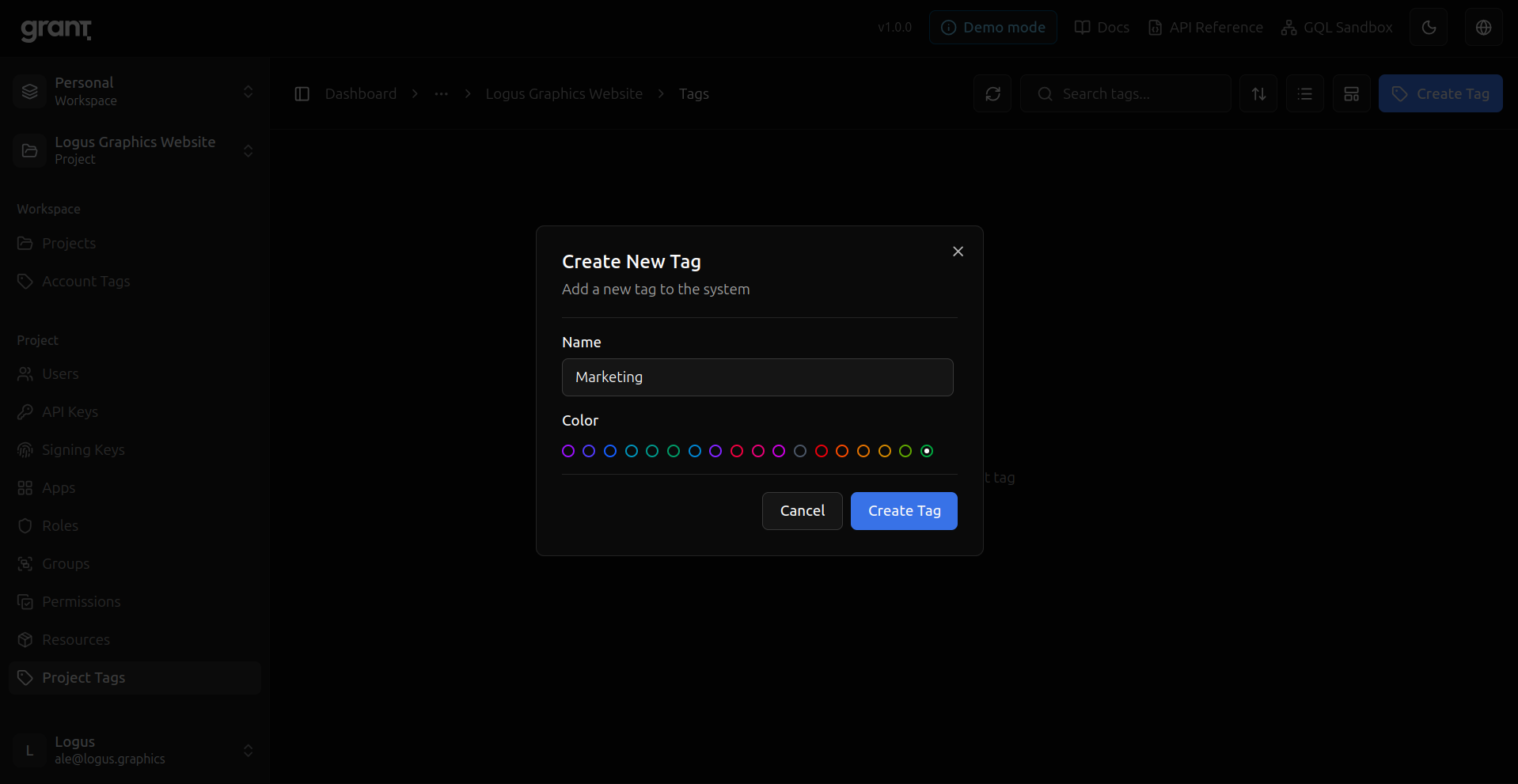
Tag colors — Pick a color for a tag.
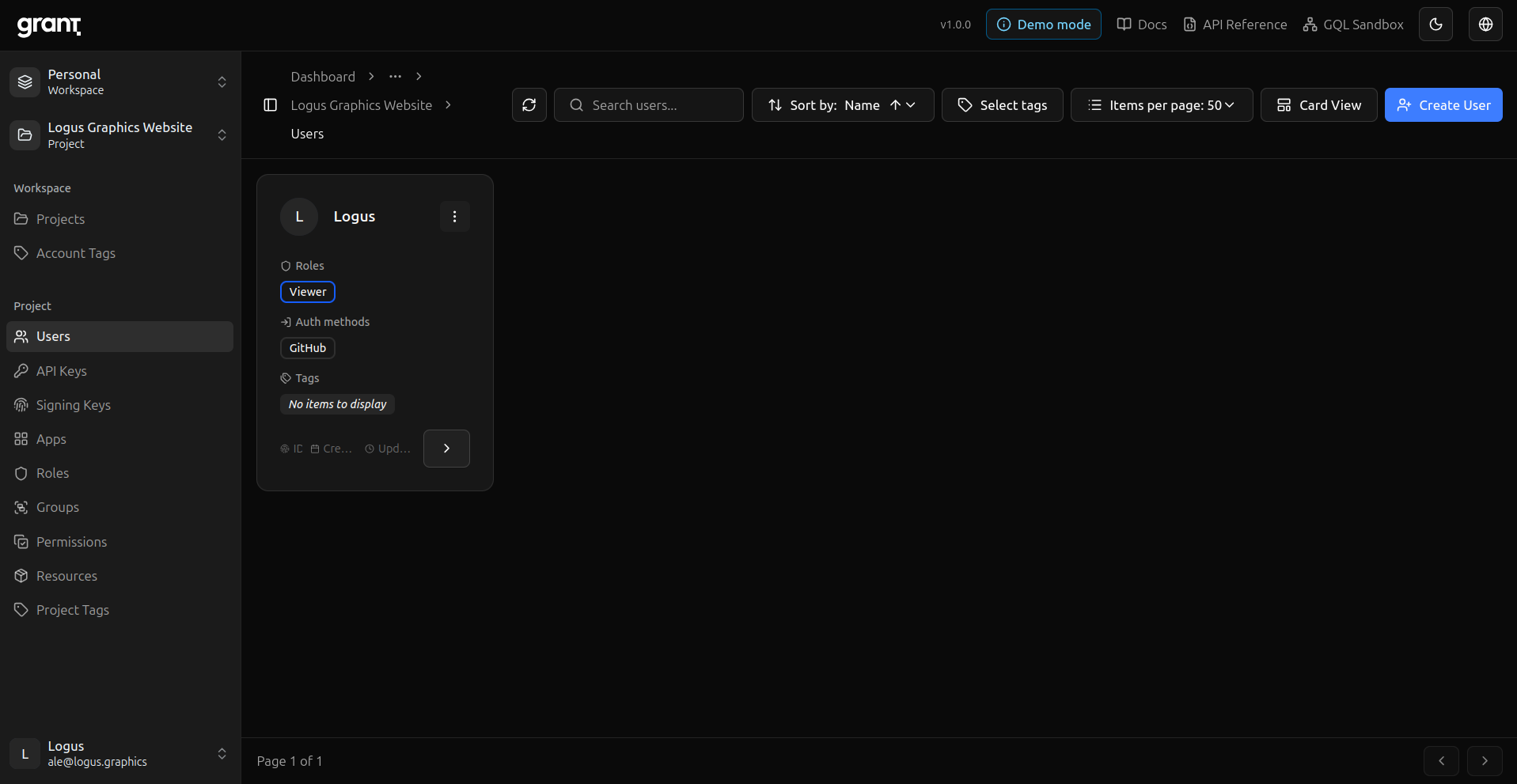
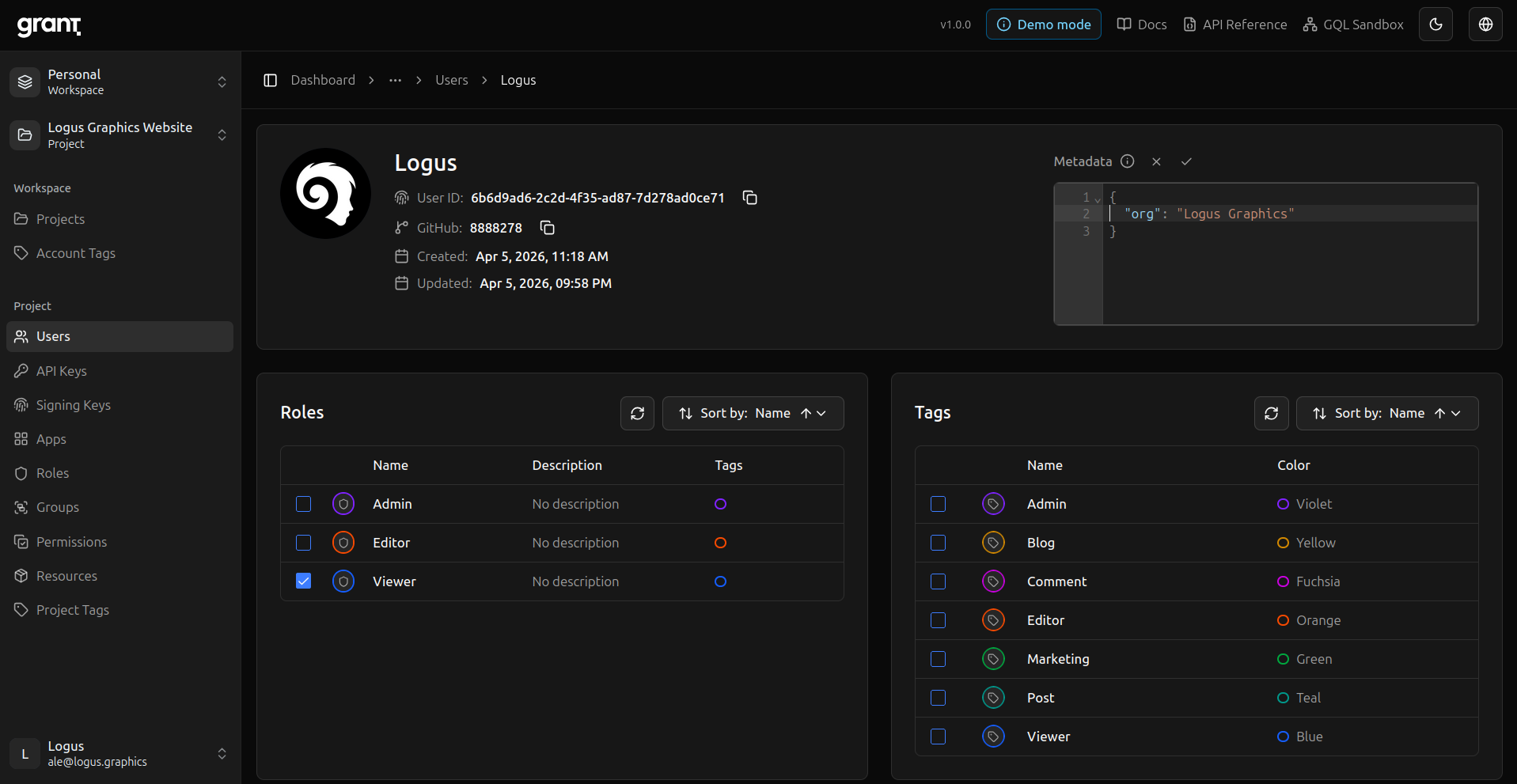
Project users — Users inside the project with roles.
Project user detail — Inspect or edit a single project user.
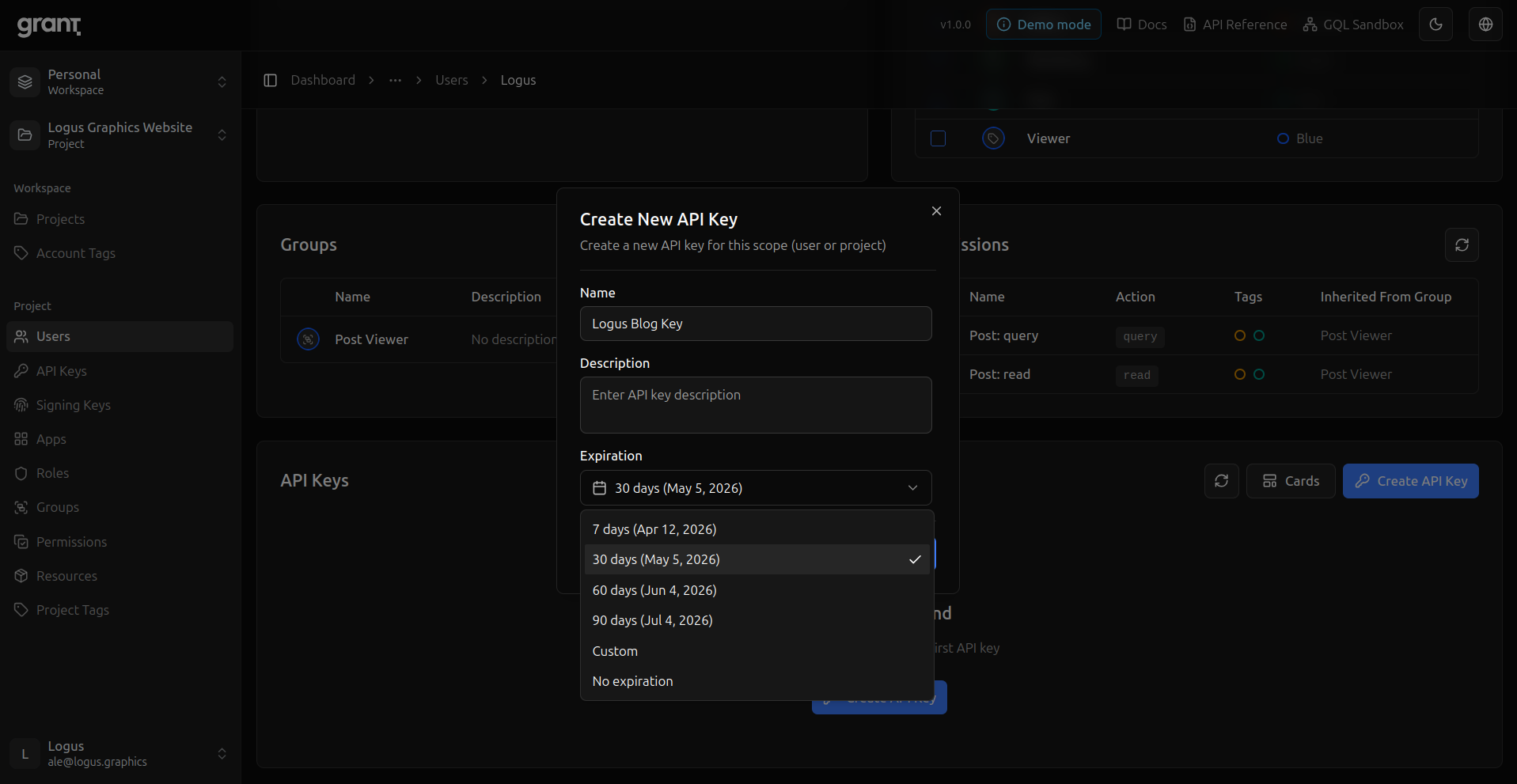
User API key — Issue a key scoped to the project user (matches the guide’s API key step).
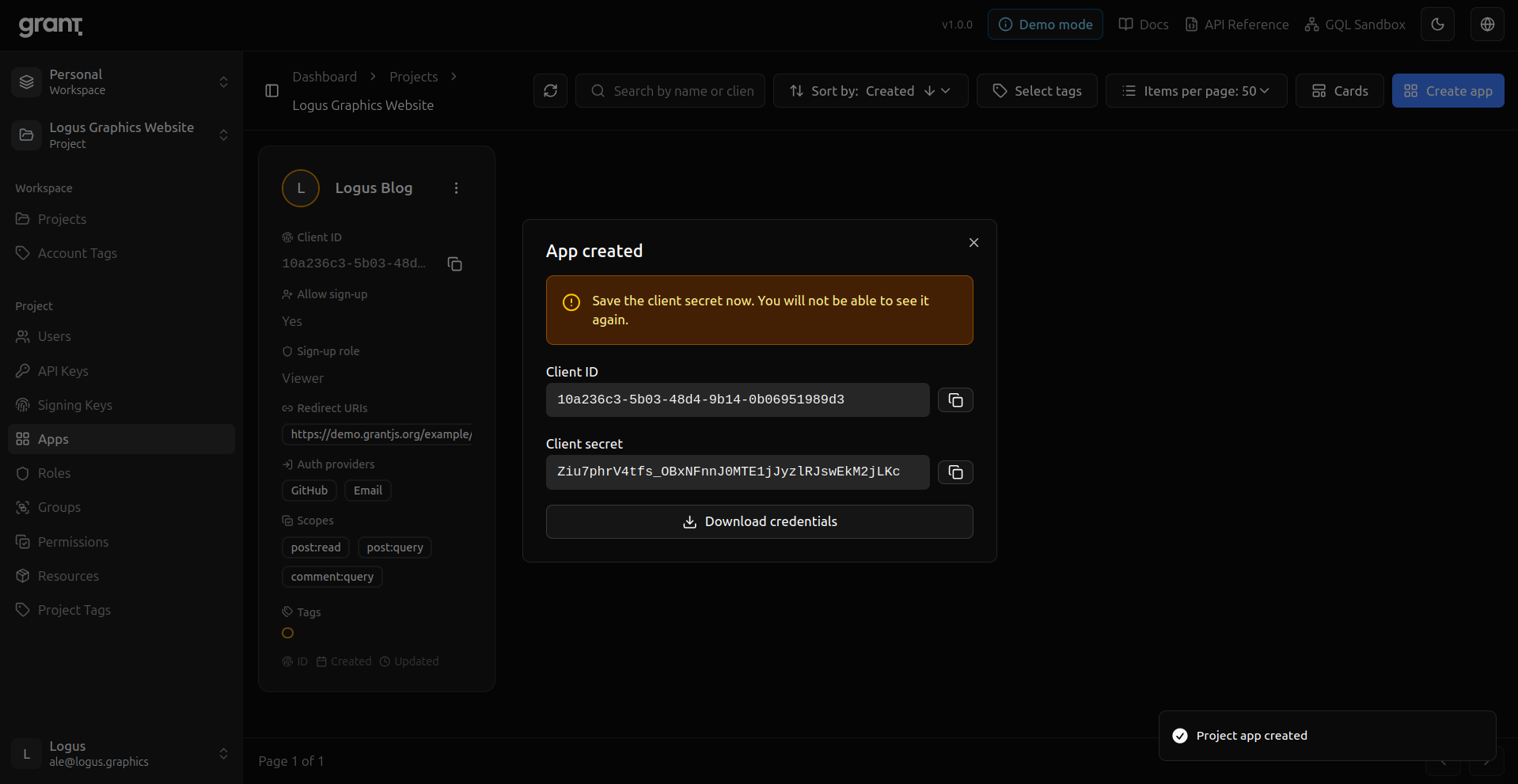
Project App — OAuth client for your app (redirect URIs, scopes, sign-up role).
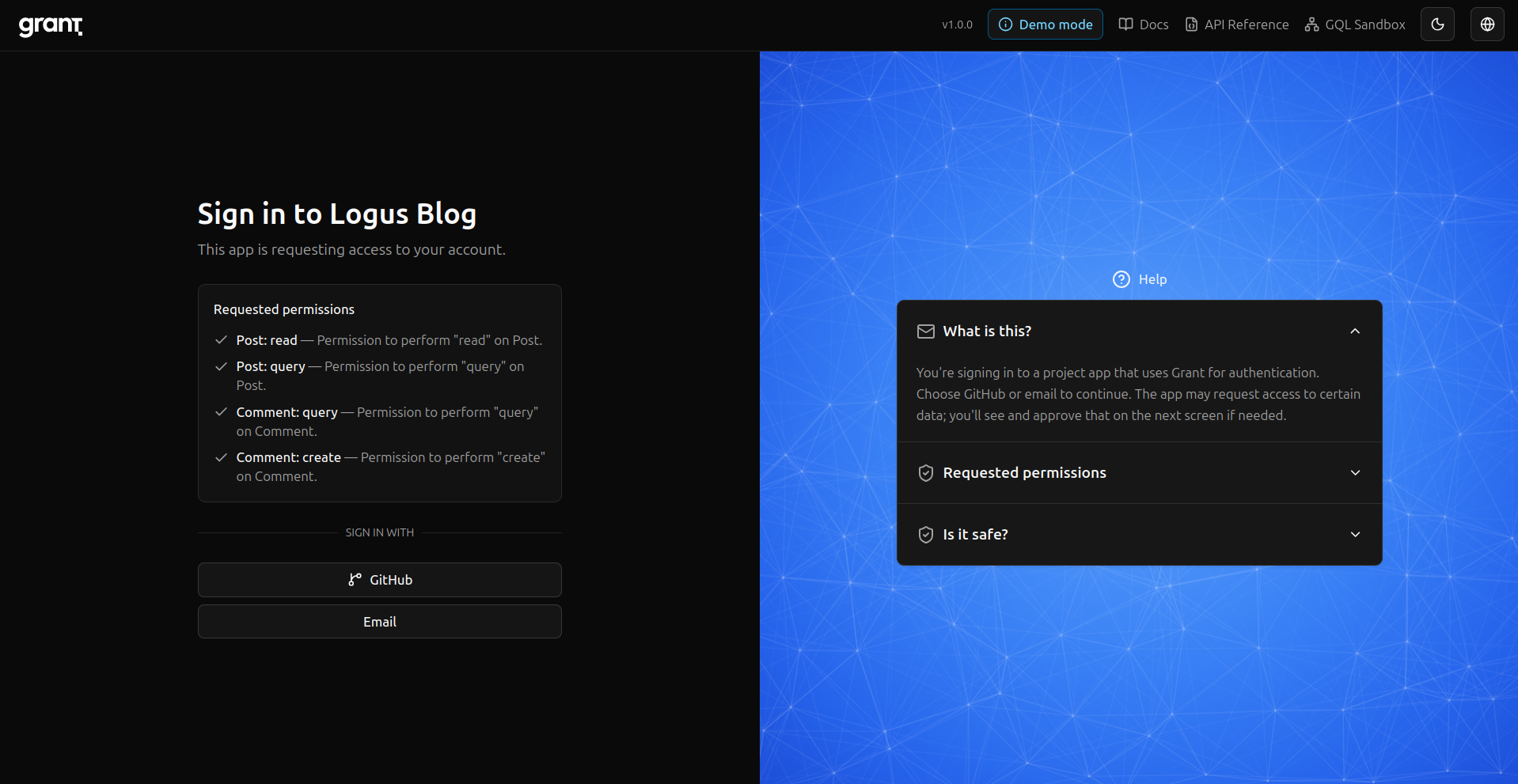
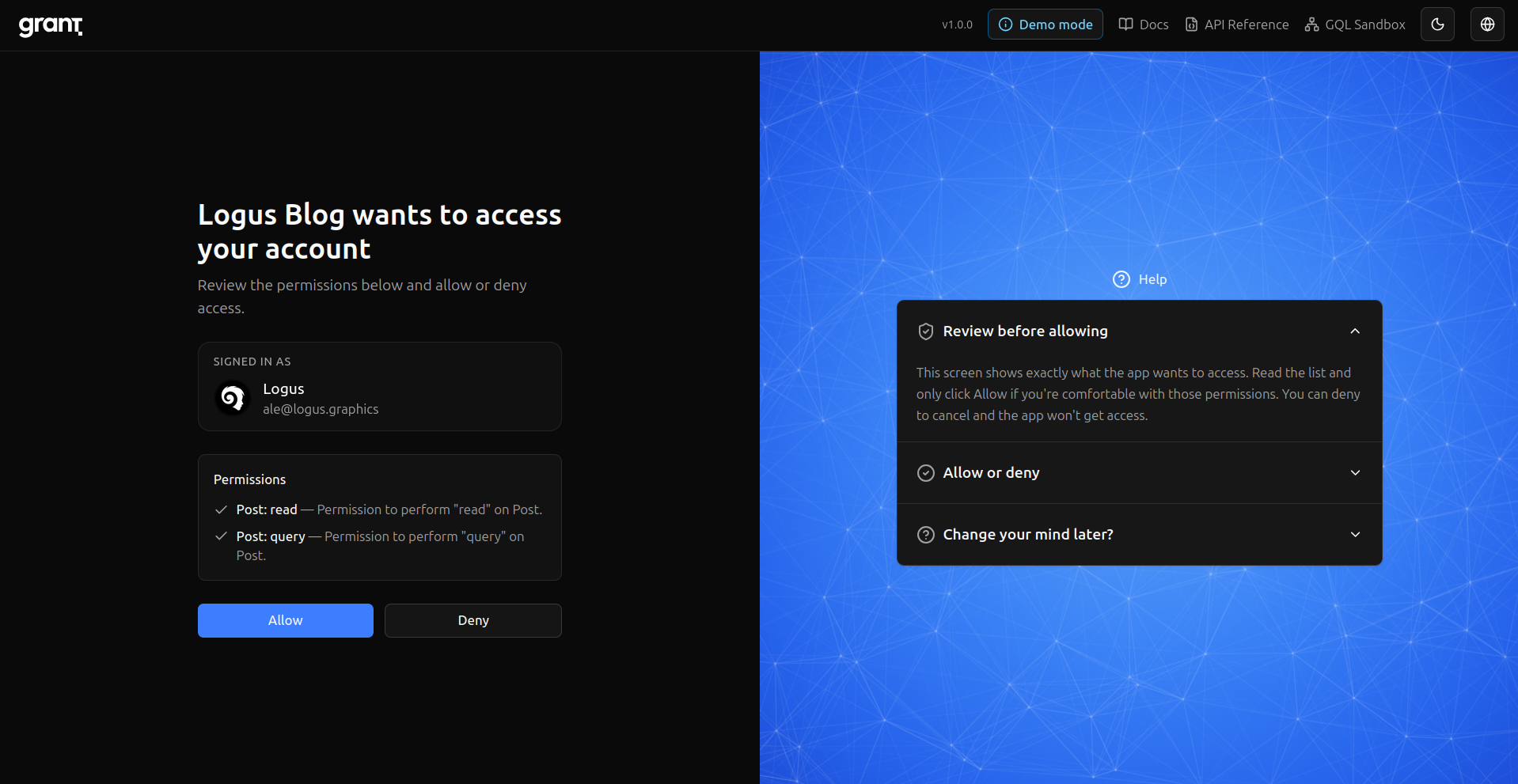
OAuth flow — User lands on Grant to sign in or consent.
Callback — Redirect back to your app with the authorization result.
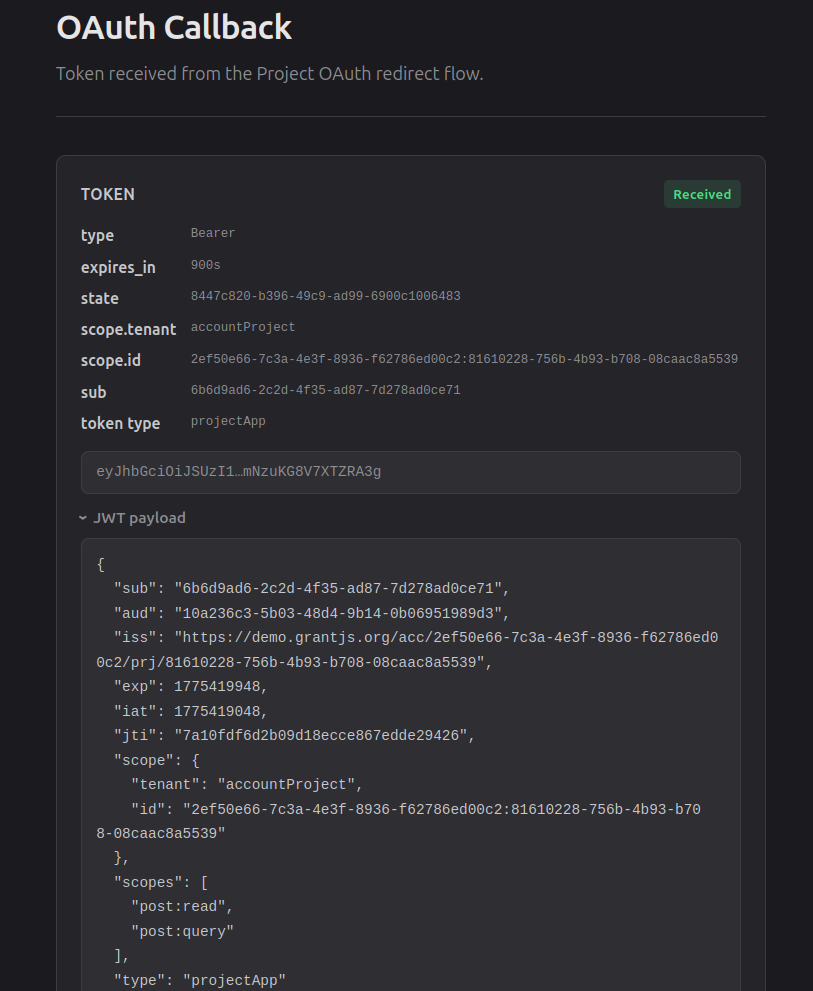
Signed in — End state: authenticated against the project.
For the exact API bodies and token exchange, follow the Integration Guide; the Server SDK and Client SDK docs show how to enforce permissions in your code.
Open source and what comes next
Releasing Grant publicly is not the end of the story; it is the point where feedback, contributors, and real workloads matter most. Security-sensitive projects depend on transparency—see the repository’s SECURITY.md for responsible disclosure—and on documentation that stays honest about scope and limits.
Future posts in this series can go deeper: architecture, RBAC design inside Grant, integration patterns, and lessons from production hardening. For this first installment, I wanted to anchor why the project exists and how the journey changed my relationship with formal guidance—from NIST and elsewhere—not as footnotes, but as part of how modern systems earn trust.
If you are building something that needs solid authorization and you value open source and self-hosting, I hope you will take a look at Grant on GitHub and tell us what you think.
Comments
Comments are provided via Giscus (GitHub). Enable them in your cookie preferences to load the discussion widget.